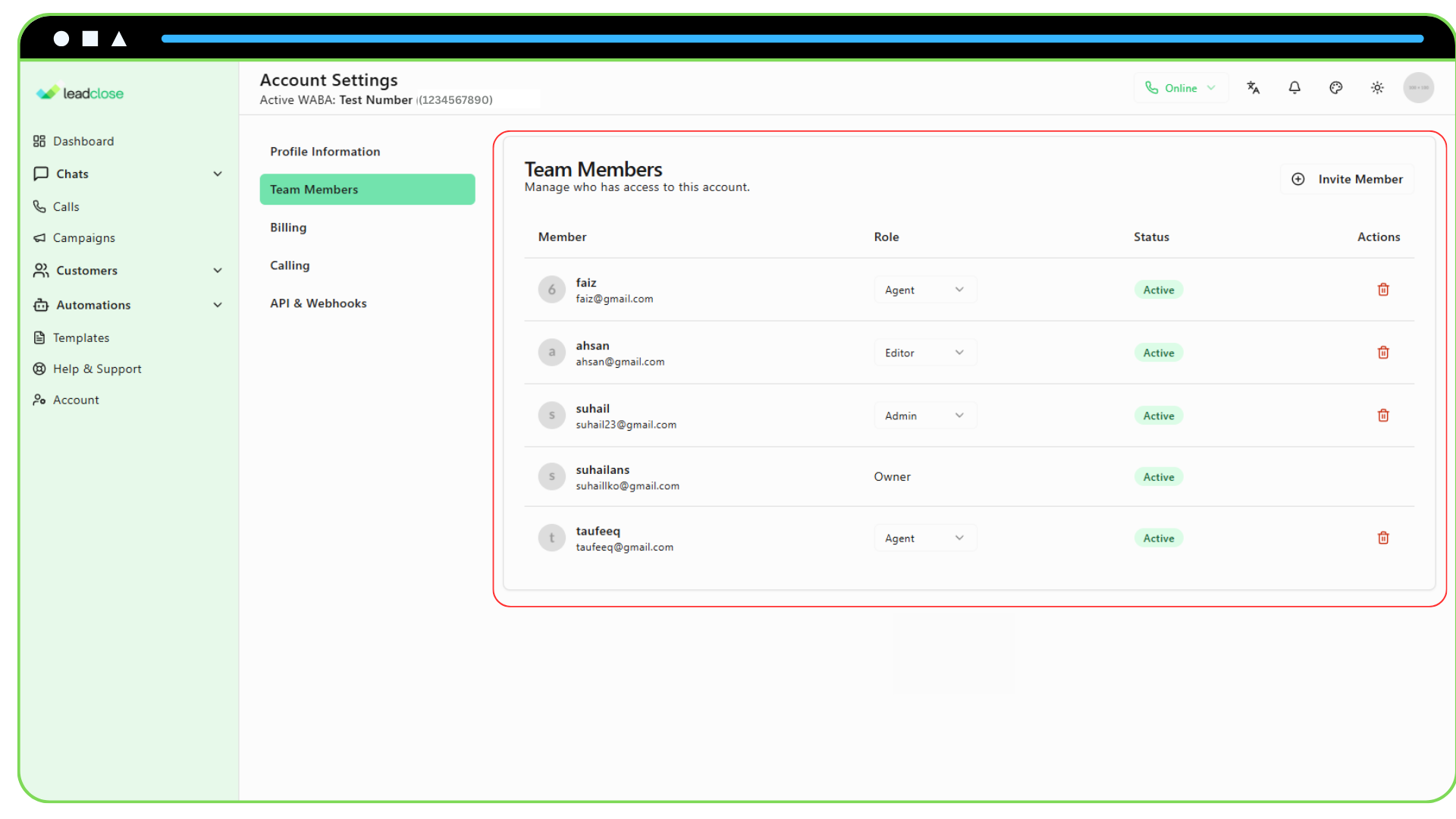
User roles allow you to control what each team member can see and do within your LeadClose account. This ensures security and proper workflow management.
Who can manage roles?
- The Owner can assign any role.
- Admins can assign Editor and Agent roles, but cannot create another Admin.
Here is a breakdown of the available roles and their permissions:
Owner
The Owner is the super-administrator of the account, typically the person who created it. They have full access to everything.
- Can do everything, including managing billing, deleting the account, and assigning the Admin role to other users.
- The Owner cannot be removed from the team.
Admin
Admins are trusted team members with almost the same level of access as the Owner.
- Can manage all features: Campaigns, templates, customers, segments, and automations.
- Can manage the team: Invite new members and manage the roles of Editors and Agents.
- Cannot manage billing or assign the Admin role to others.
Editor
Editors are focused on content and campaign management. They have access to most marketing and communication tools but are restricted from sensitive account settings.
- Can manage: Campaigns, templates, customers, and segments.
- Can participate in: Chats with customers.
- Cannot manage: Team members, WABA settings, or billing.
Agent
The Agent role is primarily for team members who handle customer communication and view performance data. They have limited creation and editing rights.
Can participate in: Chats with customers.
Can view: Dashboards, campaigns, templates, and customers.
Cannot create or edit: Campaigns, templates, customers, or segments.
Cannot access: Account settings or team management.